

Instant Design
Hover's Instant Design tool turns a single photo of a home into a realistic, fully editable design mockup. With a single photo, Hover can generate exterior or interior designs for homeowners to guide them in the decision-making process.
Hover customers can embed this powerful tool directly onto their websites to generate interest and capture new leads. The embeddable version of Instant Design can optionally include a lead form. Data submitted through this form is securely stored by Hover and can be accessed and managed using the APIs described in this section.
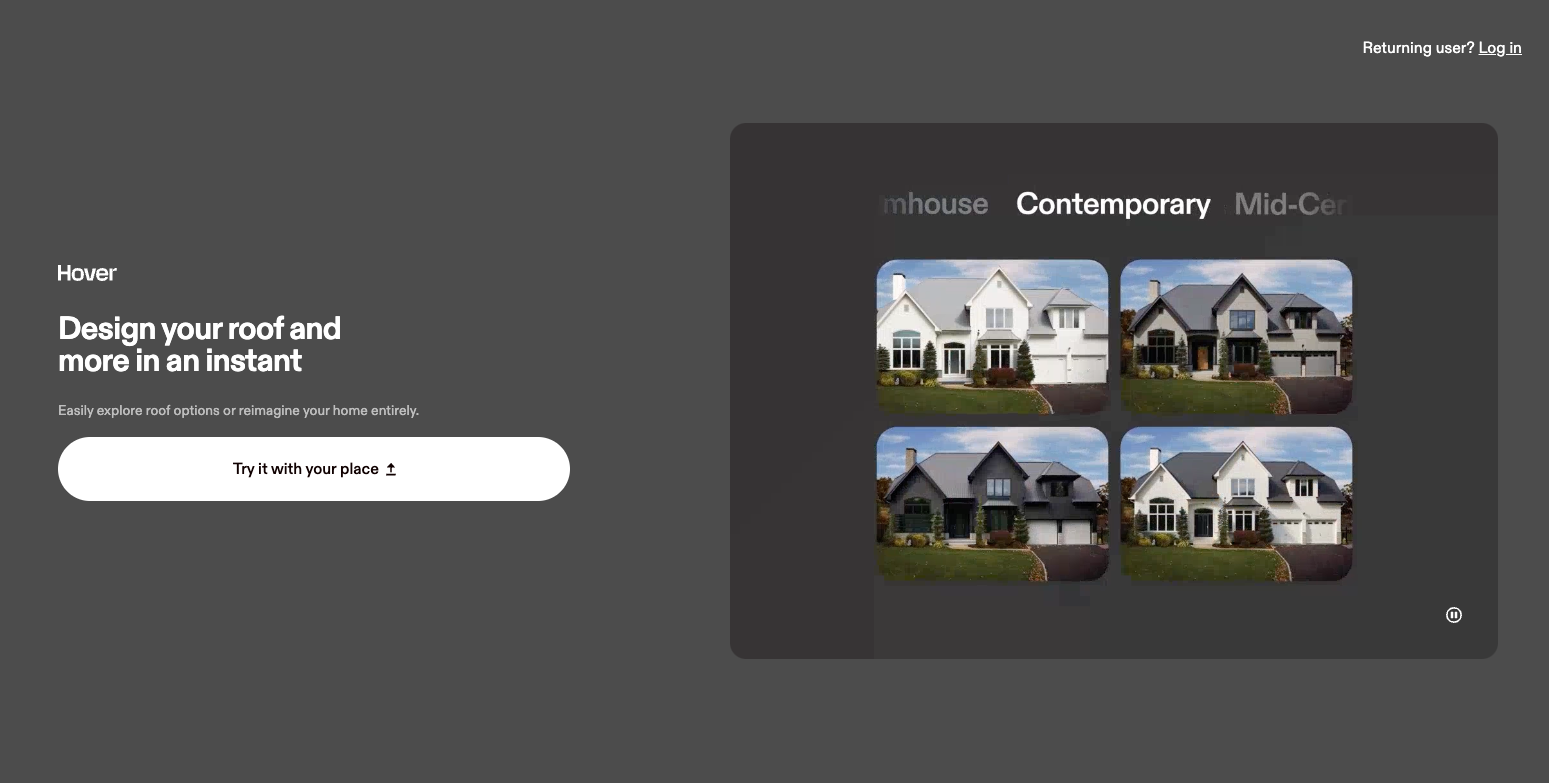
Hover's Instant Design Tool
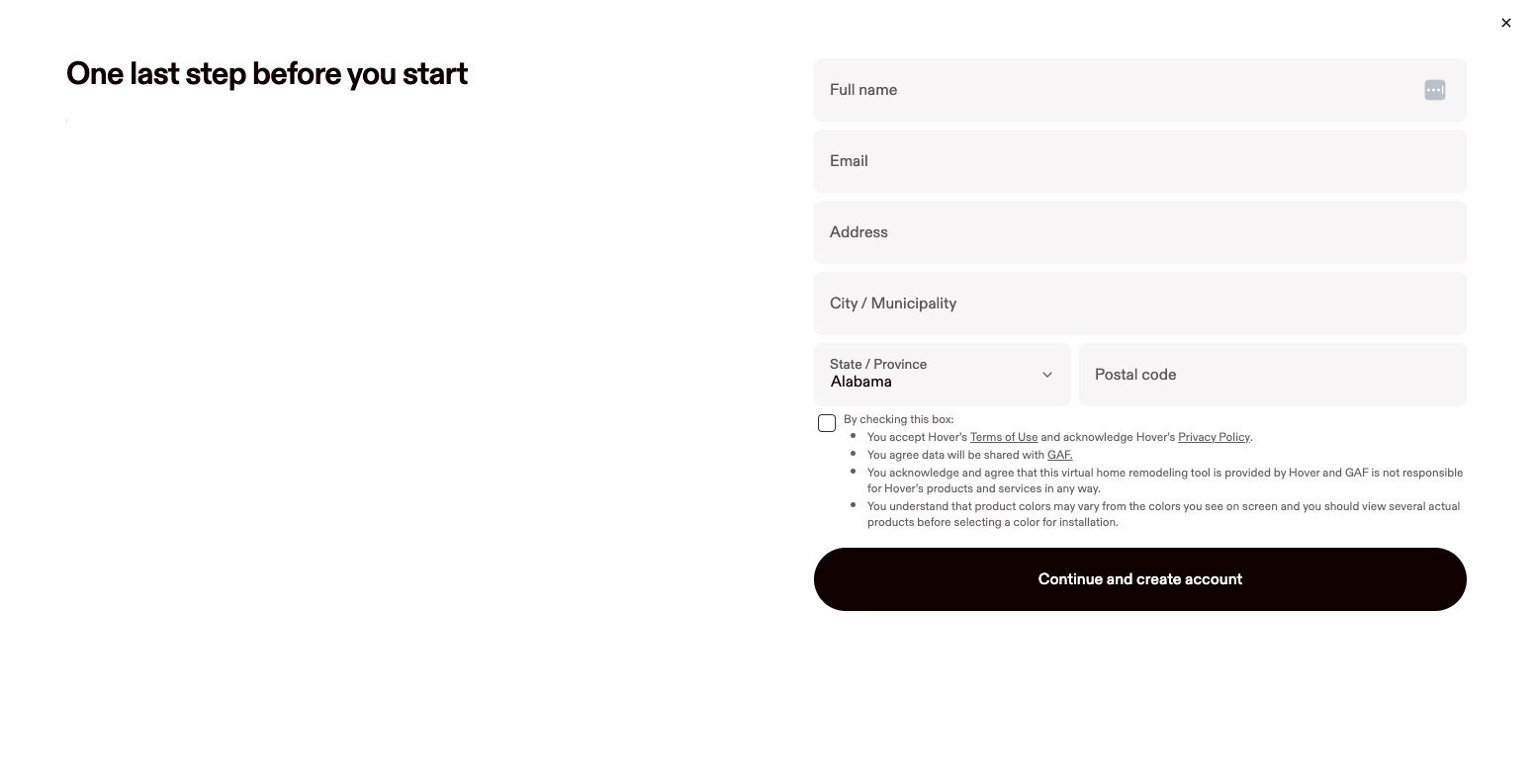
Lead form available with Instant Design
Receiving Instant Design Lead Events
There are two ways to be notified when a lead is submitted through the Instant Design embed: webhooks and browser postMessage events. The right approach depends on your use case. Both webhooks and postMessage events will include all UTM parameters that were present on the page where the user submitted the form, allowing you to pass them directly to your ad platform of choice.
Webhooks
If you need server-side notification of new leads, you can use Hover's instant-design-lead-form-submitted webhook. When a lead is submitted, Hover will send a webhook event to any registered webhook URL. See our documentation here for more information.
Browser postMessage Events
For embed use cases where you need to react to a lead submission directly in the browser (to fire a Google Ads conversation, for example). Hover dispatches a window.postMessage event at the moment a lead form is submitted.
Listening for the event
In the parent page where the Instant Design embed is hosted, add a message even listener. For example:
window.addEventListener('message', (event) => {
  if (event.data?.event === 'instant-design-lead-form-submitted') {
    const lead = event.data;
    // fire your pixel / conversion event here
    console.log(lead);
  }
});
Event payload
When a lead is submitted, the embed posts the following object to the parent window:
{
  event: 'instant-design-lead-form-submitted',
  utm_id: string | null,
  utm_source: string | null,
  utm_medium: string | null,
  utm_campaign: string | null,
  utm_term: string | null,
  utm_content: string | null
}